

Live Button Settings
Ez a tartalom még nem érhető el a jelenlegi nyelven.
At the bottom right of the home screen there are a selection of buttons, called the Live Buttons. These buttons provide a quick way to toggle common features on and off, even while playing live.
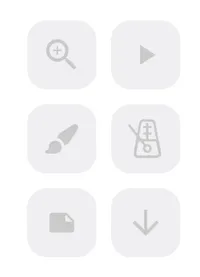
There are live buttons for:
Customizing the live buttons
Section titled “Customizing the live buttons”The Live buttons can easily be customized from the settings menu, allowing you to add, remove and re-order them to suit your needs.
Open the app settings and pick the ‘Live Buttons’ section. From here you can re-order the buttons by dragging them into the positions you want and hide any buttons you don’t want to see by tapping the “Add/Remove” button. Advanced customisation of the behavior of individual buttons is also available here.
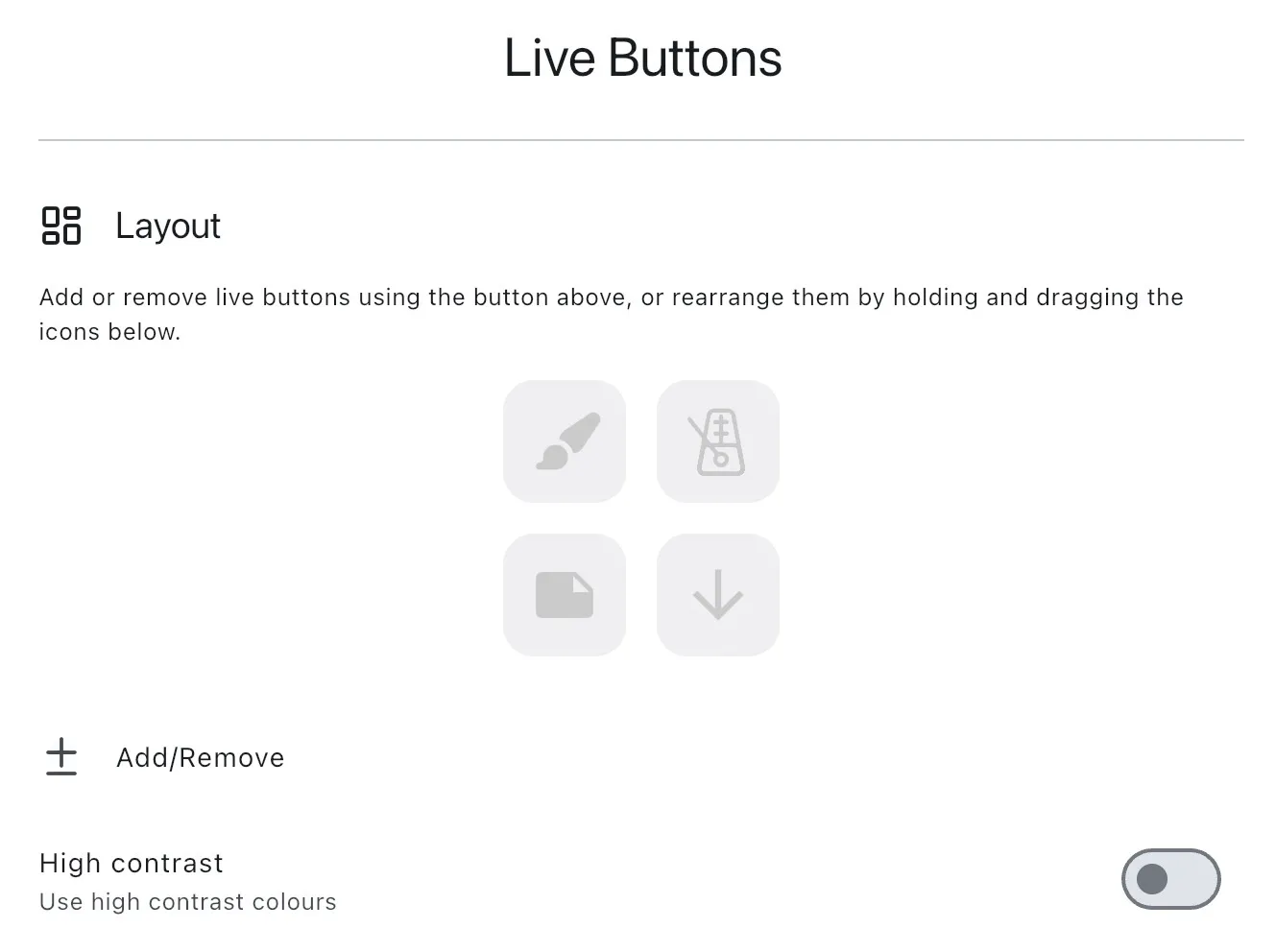
High contrast mode can also be enabled from this settings page. When enabled, the live buttons will be displayed in a high contrast color scheme making them easier to see. When using high contrast mode the buttons are no longer semi-transparent so any song content behind them will be obstructed.